
Learn the platform. Practice your workflow.
Explore Mega Trader before going live. Get familiar with the desktop and mobile trading experience, test the platform tools and practise the mechanics of placing and managing trades.
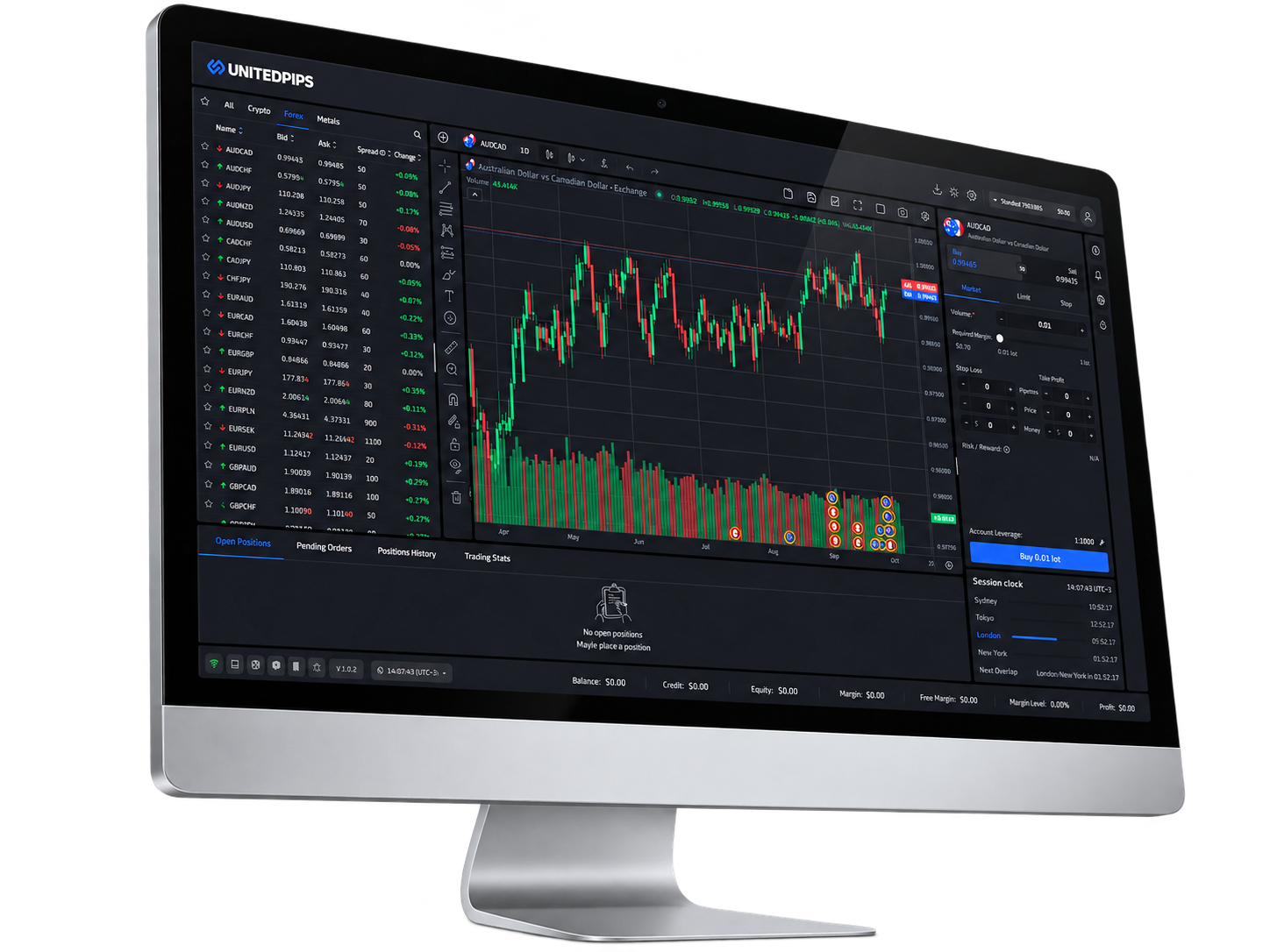
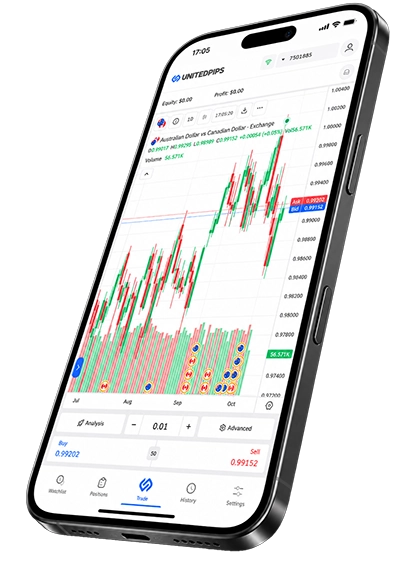
Mega Trader on desktop or mobile.
UnitedPips uses one trading platform: Mega Trader. Choose the desktop/web terminal when you are on a larger screen, or open the mobile version when you want the same trading workflow on your phone.
Open Mega Trader on desktop or web.
Use the desktop guest terminal to explore charts, instruments, trading controls and the wider Mega Trader workspace.
Try Desktop GuestUse Mega Trader on mobile.
Open the mobile web terminal as a guest, sign in from your browser, or install the Android APK directly on a supported Android device.
Try Mobile Guest
One trading platform across desktop and mobile.
Mega Trader brings charting, market monitoring, order controls and account information into one connected trading workspace.
Learn the mechanics before real money is involved.
Learn the interface
Find your way around charts, positions and trading controls.
Test your process
Practise how you analyse, enter and manage a trade.
Explore the tools
Become familiar with the features available inside Mega Trader.
Repeat and refine
Build familiarity with your workflow before moving to live trading.
Use the mobile web terminal or install the Android app.
On mobile, you can explore Mega Trader in guest mode, sign in through the mobile web terminal, or download the official UnitedPips Android APK.
Three simple steps to explore Mega Trader.
Choose desktop or mobile
Pick the version of Mega Trader that matches the device you are using.
Open guest access
Launch the desktop or mobile guest terminal and enter the trading workspace.
Explore the platform
Browse charts, instruments, order controls and the available Mega Trader tools.
Before you start.
Which trading platform does UnitedPips use?
Can I try Mega Trader without signing in?
Is there an Android version?
Does demo or guest use guarantee live trading results?
Try Mega Trader on the device you use.
Open the desktop guest terminal, explore the mobile guest version, or download the Android app.